Frog Mobile - Cloud VPS Monitoring App
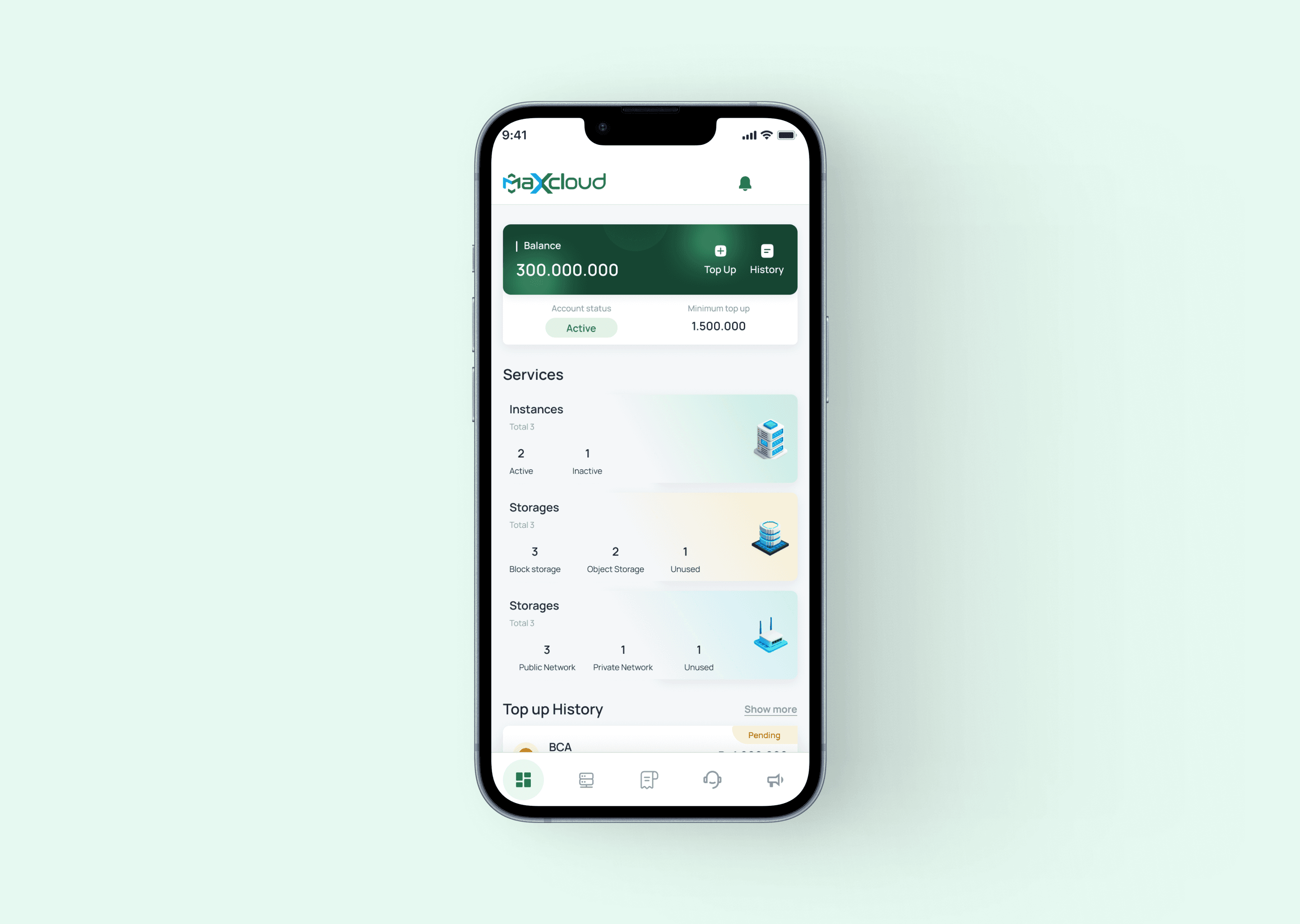
A mobile application designed to help users monitor and manage their cloud instances created on the Frog platform. The app allows users to check instance status, manage resources, handle billing and top-ups, and submit support tickets directly from their mobile devices.
Frog Mobile is a companion mobile application for the Frog cloud platform that enables users to monitor and manage their virtual machines (instances) anytime and anywhere. The goal of this project was to provide a more accessible way for users to stay connected with their cloud infrastructure without needing to access the web dashboard. Through the mobile app, users can quickly monitor instance status, manage billing, and contact support when needed. The design focuses on delivering a simple and efficient interface that allows users to perform important infrastructure-related tasks directly from their mobile devices.
Role
Timeline
2025
Company
PT. Awan Data Indonesia
Tools
Figma,
The Problem
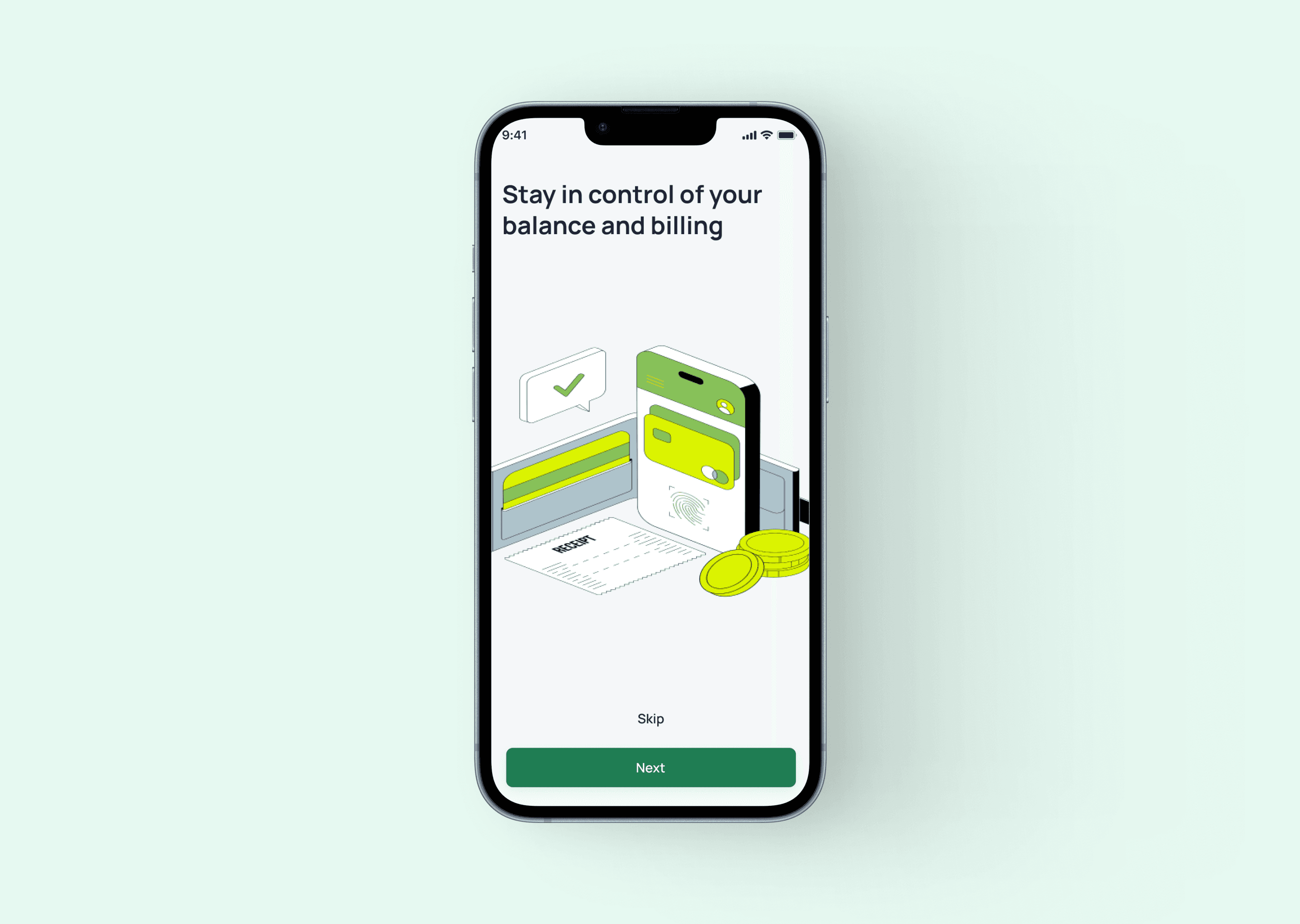
Before the mobile app was introduced, users could only manage and monitor their instances through the web dashboard. This limitation made it less convenient for users who needed quick access to their infrastructure while away from their computers.
Several key challenges included:
- Users could not easily monitor their instance status on the go
- Important information such as billing and invoices was only accessible through the web platform
- When issues occurred, users needed a faster way to contact support
- The platform lacked a mobile-first experience for quick infrastructure monitoring
The mobile application was designed to solve these problems by providing a streamlined mobile interface for monitoring and managing cloud resources.
My Role
My role in this project was UI/UX Designer.
I worked directly with stakeholders to understand the main objectives of the mobile application and identify which features from the platform should be prioritized for mobile usage.
I also collaborated closely with developers to ensure the interface design, user flow, and functionality aligned with the technical implementation of the application.
My responsibilities included:
- Designing the overall user experience for the mobile application
- Creating intuitive navigation for monitoring and managing instances
- Designing UI components and mobile-friendly layouts
- Collaborating with developers to ensure design feasibility and implementation consistency
The Features
To support users in managing their cloud infrastructure more efficiently from mobile devices, several key features were designed within the application.
Instance Monitoring
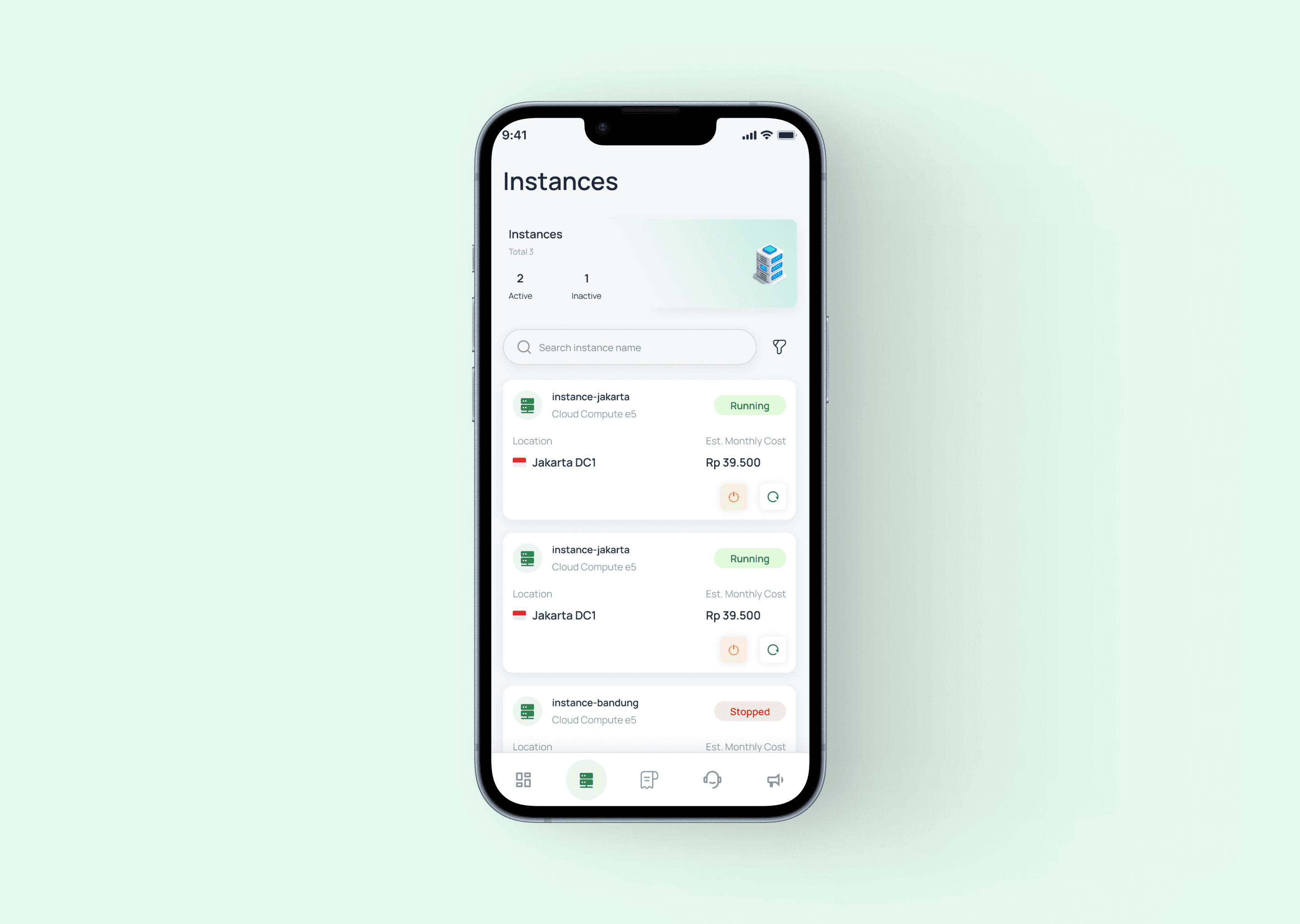
Users can monitor the status and basic information of their virtual machines, allowing them to quickly check whether their instances are running properly.
Instance Management
The app provides basic instance management capabilities, allowing users to manage and interact with their cloud instances directly from their mobile device.
Billing & Invoice Management
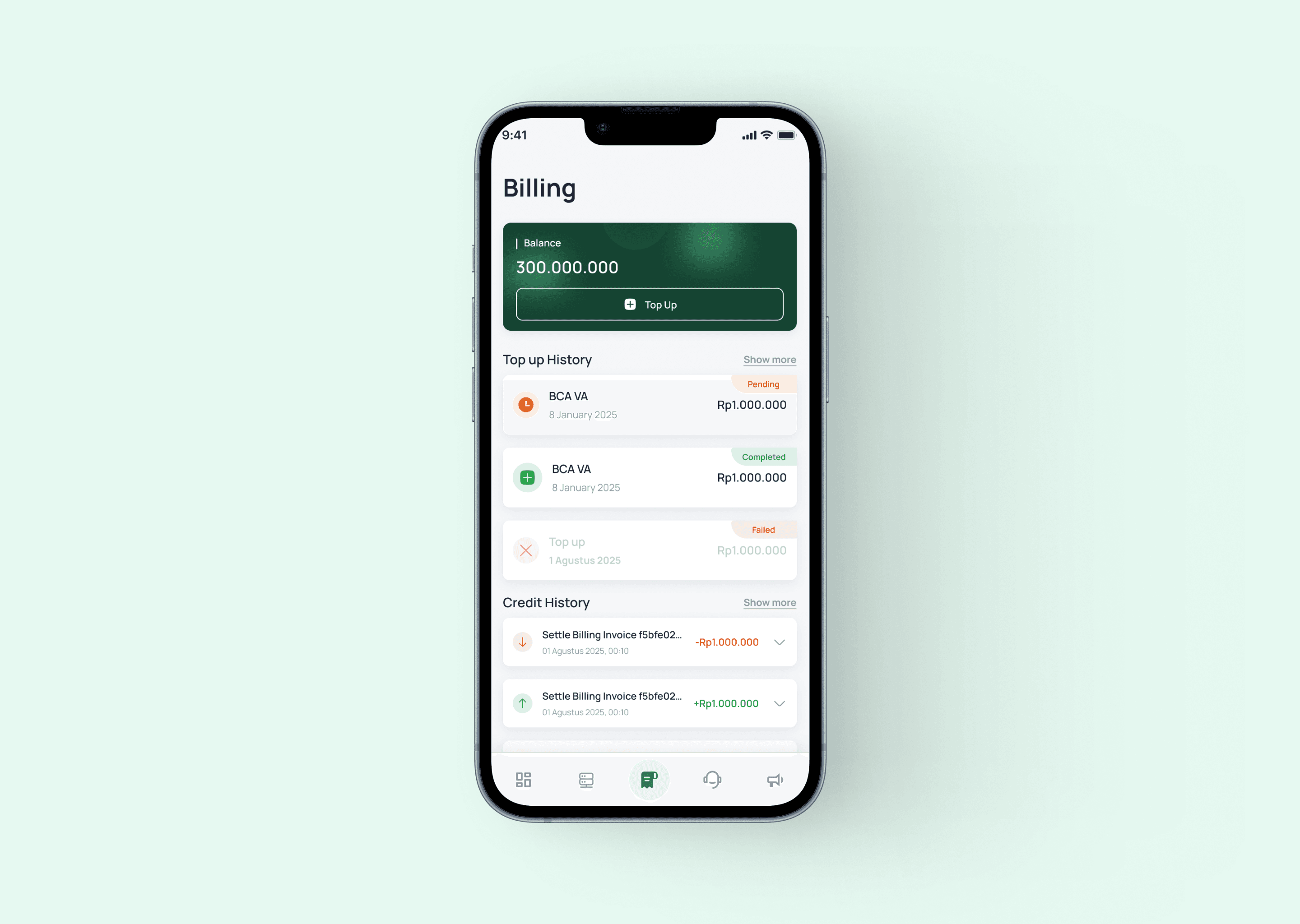
Users can view billing information and manage their invoices directly through the application.
Balance Top-Up
The application allows users to top up their account balance to maintain or extend their cloud services without needing to access the web dashboard.
Support Ticket System
Users can create support tickets directly from the mobile app if they encounter technical issues or need assistance from the Frog customer service team.
"Designing a mobile interface for a cloud infrastructure platform required simplifying complex system management into a more accessible and efficient mobile experience. This project strengthened my ability to prioritize essential features and design clear interactions for monitoring technical systems on smaller screens."
Explore More Work

MyFit
UI/UX Design

Maxcloud App
UI/UX Design

Frog Private Cloud
UI/UX Design

Logo Design Collection – PT Awan Data Indonesia
Visual Design

Frog – Cloud Infrastructure Management Platform Landing Page
UI/UX Design

Cekping.id
UI/UX & Development

Bladerunner Landing Page
UI/UX Design

Frog Mobile - Cloud VPS Monitoring App
UI/UX Design

PT Awan Data Landing Page
UI/UX Design

Wingsee
UI/UX Design